01
Collect
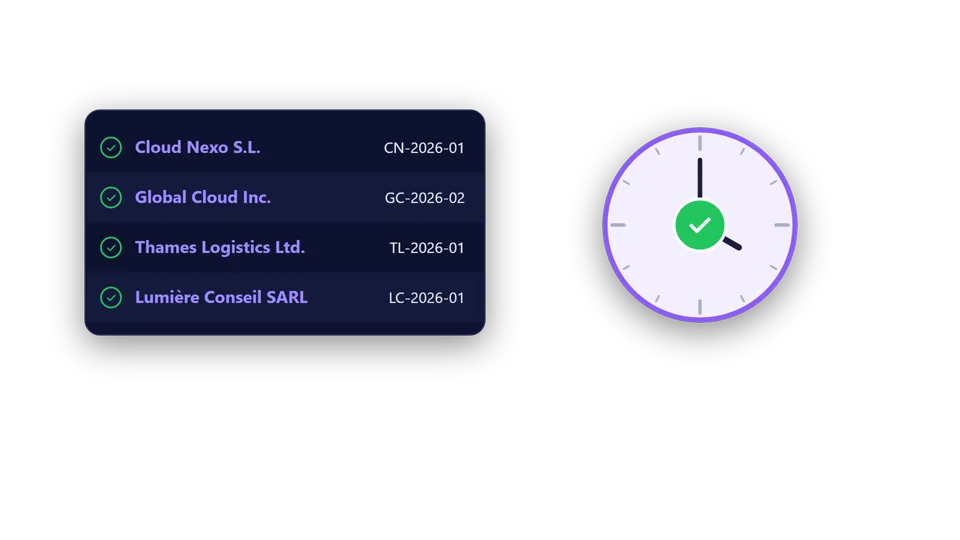
Gather your documents from your computer, email, the mobile app or your suppliers' websites, in any format. Everything waits in "Unprocessed" until you process it.
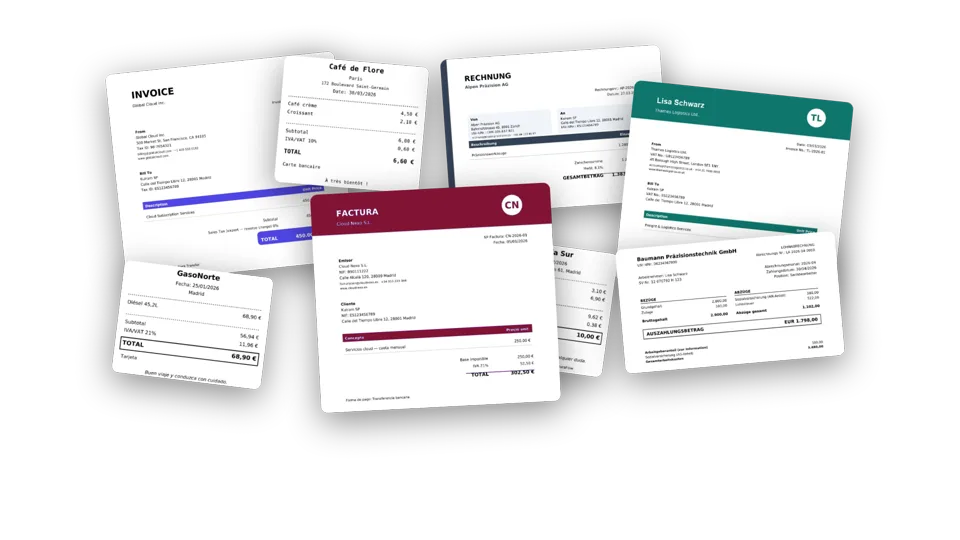
Import documents in any format.
 Kulram
Document automation for teams that cannot waste time
Invoices, receipts, payslips and any other company document: Kulram reads them, renames them, files them in their folder, reconciles them with the bank and sends them to the right person. For accounting firms and SMEs, with one or several companies.
Tutorials
The whole Kulram journey at a glance.
The whole journey at a glance: collect, process, reconcile, analyze and send your invoices, payslips and other documents.
How it works
Gather your documents from your computer, email, the mobile app or your suppliers' websites, in any format. Everything waits in "Unprocessed" until you process it.
Import documents in any format.
Kulram reads each document, with or without AI, and pulls out the data you need. It renames it and files it in its folder by itself, on your computer and in your company's. It converts currencies, spots duplicates, and you only review what doesn't add up. If needed, split, merge or sign.
You decide which data to read from each document.
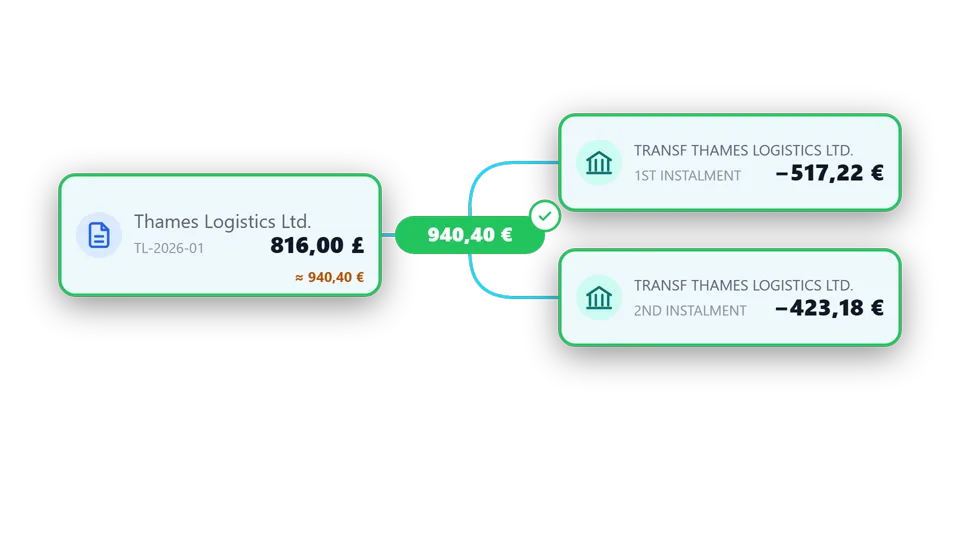
Match your documents against bank statements: several payments for one invoice or several invoices in one payment. And document against document: payment proofs vs invoices, quotes vs contracts.
Several payments vs one invoice.
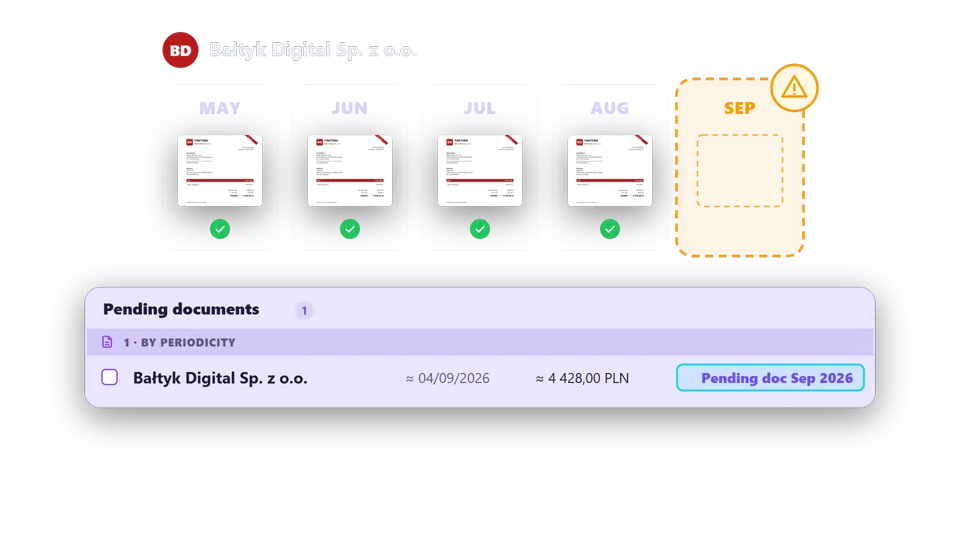
Find out which document, payment or statement is missing. Look for it in your email and on your phone, or ask for it by email without having to write it.
Spot what is missing,
Filter, group and search all your data, save your views and export to Excel, or a ZIP with the documents. With one or several companies.
Analyze all your data and export it.
Each payslip to its employee and each invoice to its client, with its own email. Request signatures from many people at once, queue documents to your document inbox and check what has been sent.
Each payslip to its employee,
Features
Kulram brings together in a single desktop application all the tools agencies and SMEs need for their daily document management. No email inbox, no switching between apps.
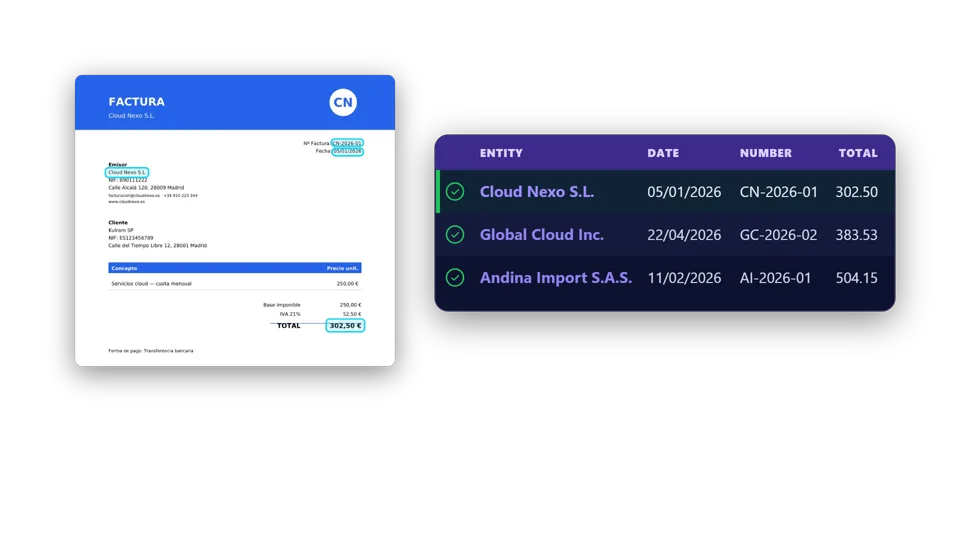 Reading with or without AI
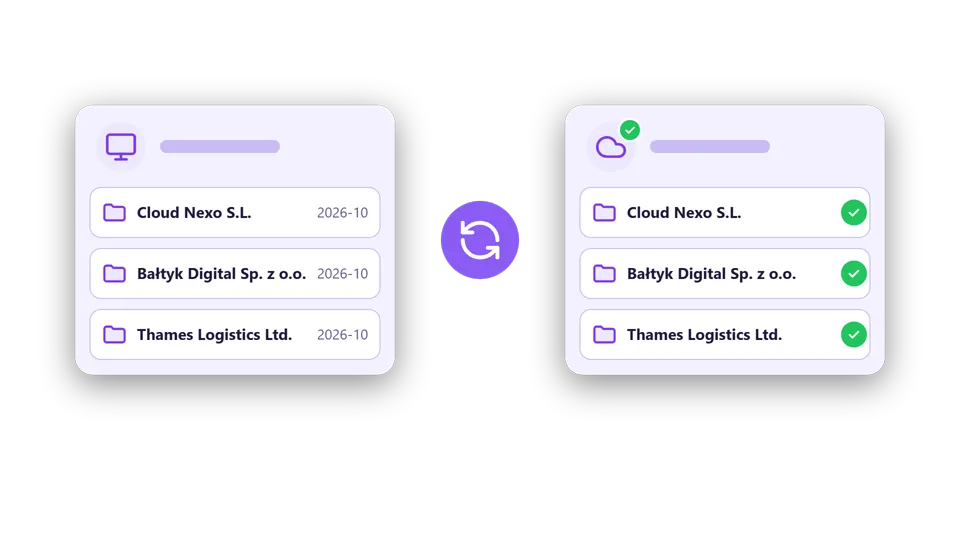 Automatic renaming and filing, synced with your company
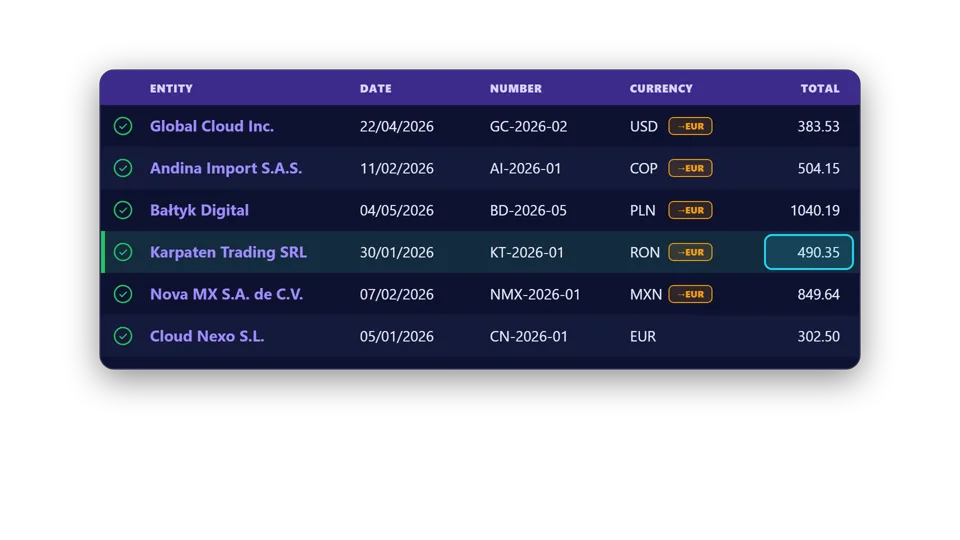 Review only what doesn't add up
 Your own document types
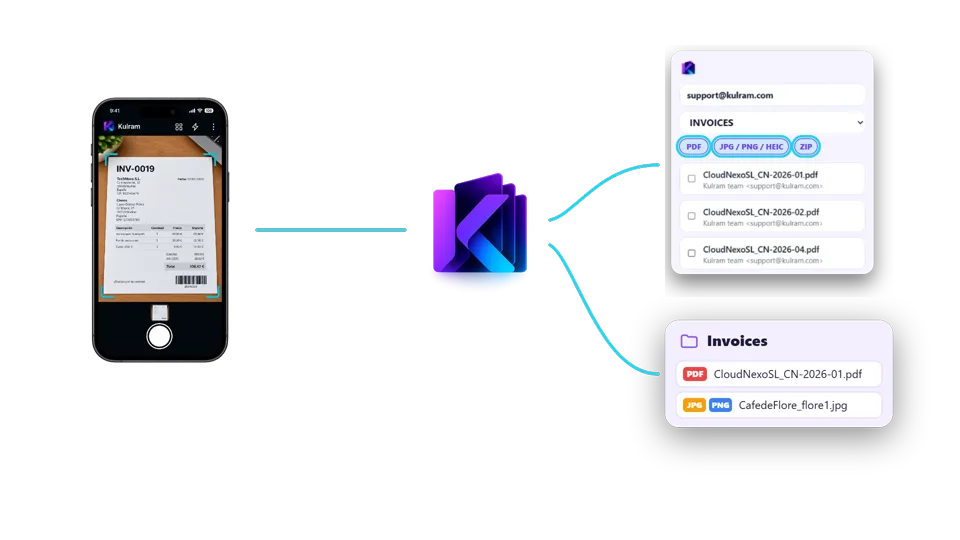 Mobile app for receipt photos
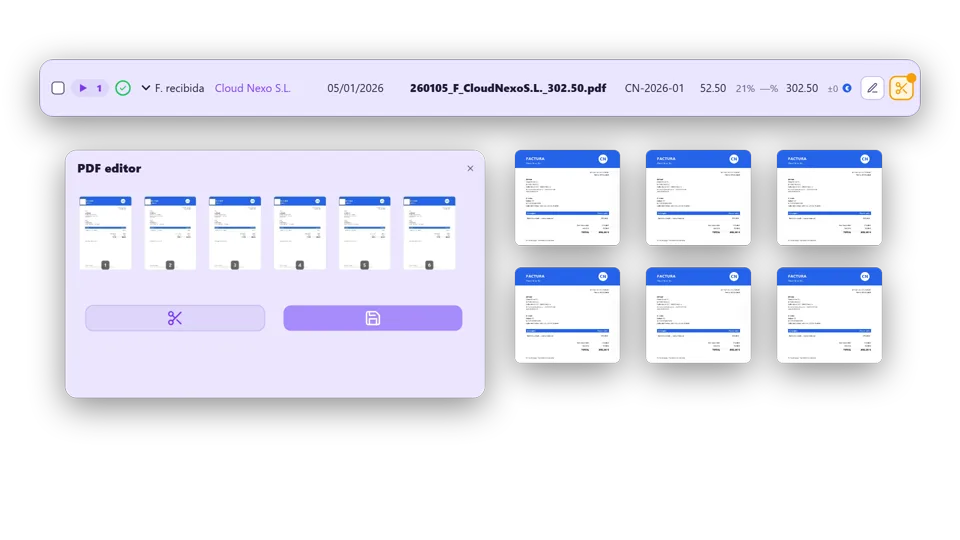 Split and merge PDFs
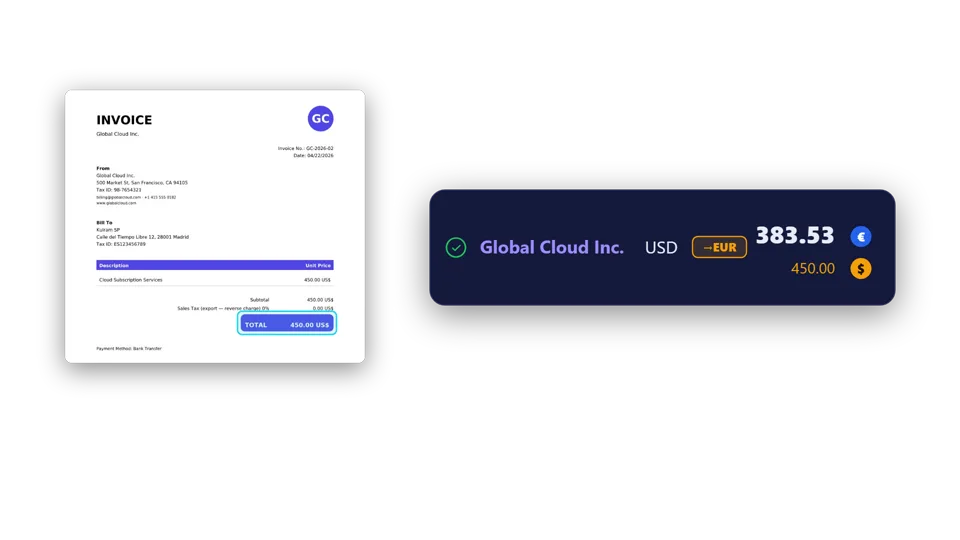 Currency conversion
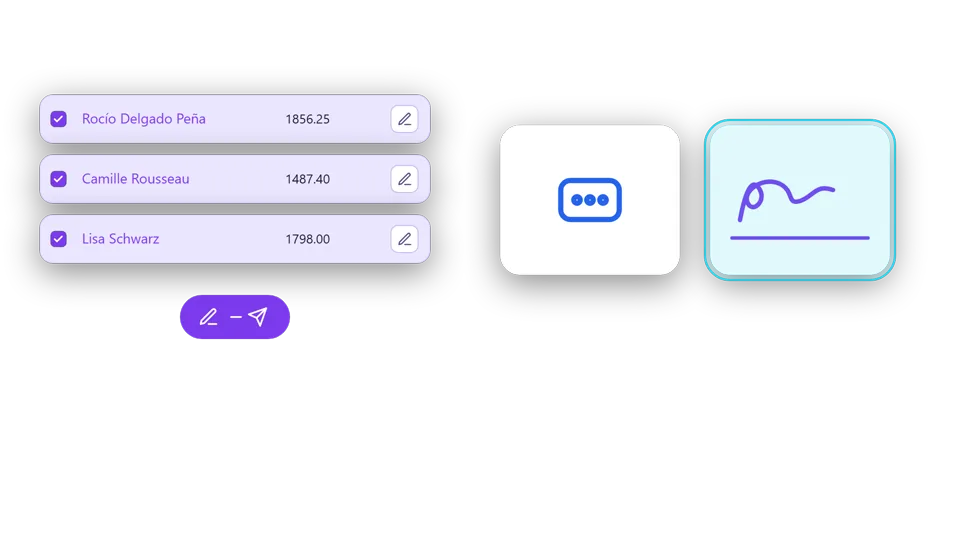 E-signature and signature requests
 Queued sending to your document inbox
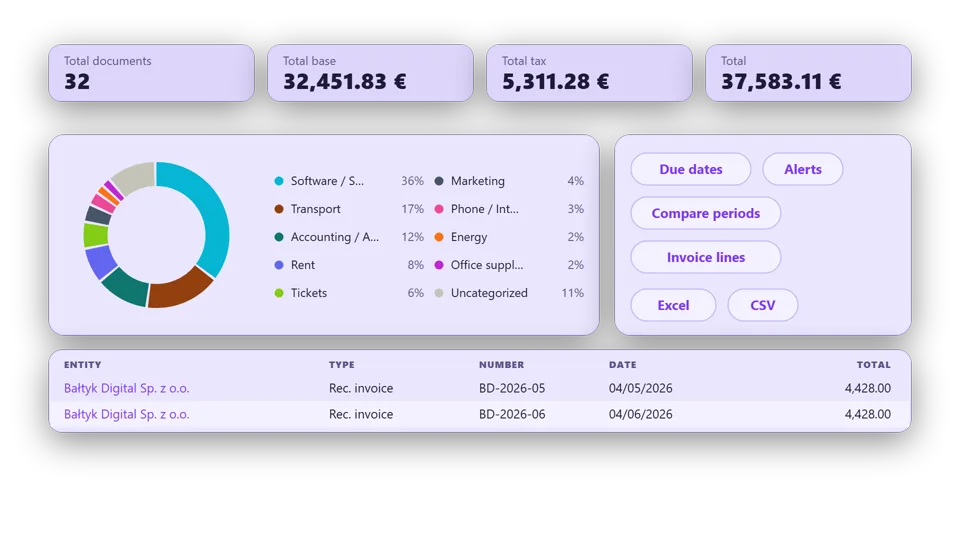 Export to Excel, CSV and ZIP
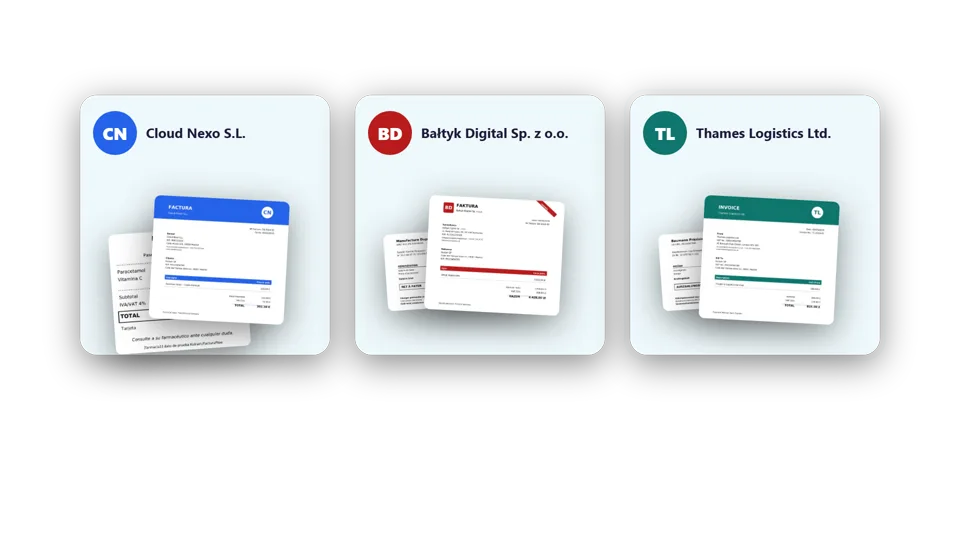 Several companies in one app
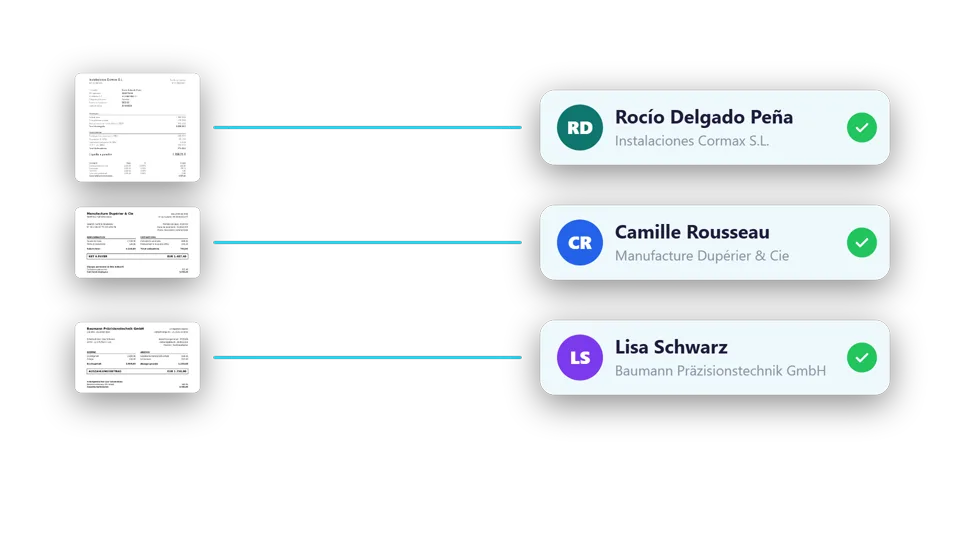 Contacts that fill themselves in
What used to be a morning of downloading, renaming and sorting is now just reviewing what doesn't add up.
Pricing
Free never expires and has no document limit. Pro adds AI, the mobile app, reconciliation and several companies.
Windows version. macOS and Linux later on.
Free
€0 forever
To start organizing your documents, with no limit and no card.
Pro
€19.99 / month + VAT
or €199.90 a year + VAT
For accounting firms and companies that want AI, the mobile app and reconciliation.
Need more? A pack of 100 AI pages for €14.99 + VAT. It never expires: pages you don't use are kept.
Extra company: €2.99 / month + VAT · Extra user: €3.99 / month + VAT
FAQ
For accounting firms, consultancies and SMEs that handle many documents such as invoices, payroll, receipts or internal documentation, with one or several companies.
Kulram covers a document's whole journey in one application: you collect it from your computer, email, the mobile app or the supplier's website; you process it with or without AI, and it is renamed and filed in its folder; you reconcile it with the bank or with another document; you audit what is missing; you analyze everything together and send it by email, to your document inbox or for signature.
Unlimited documents, reading without AI (entity, date and total), automatic renaming and classification, collecting from your computer, email and supplier websites, and auditing, analyzing and sending by email. For one company and one user. It never expires.
Each page the AI reads counts as one: a one-page invoice uses 1 and a 3-page PDF uses 3. Pro includes 50 a month and, if you need more, there are packs of 100 that never expire.
Nothing is deleted. Whatever is not included in Free stays visible and you can export it, and the pages from packs you bought are kept for when you return to Pro.
Reading without AI happens on your computer and the document never leaves it. With AI, the document you ask to read goes through our server to Mistral AI, a European provider that processes it in the European Union under the GDPR and does not use it to train its models. We do not keep your documents or the data read from them: we only count pages for your credits.